
Video guides
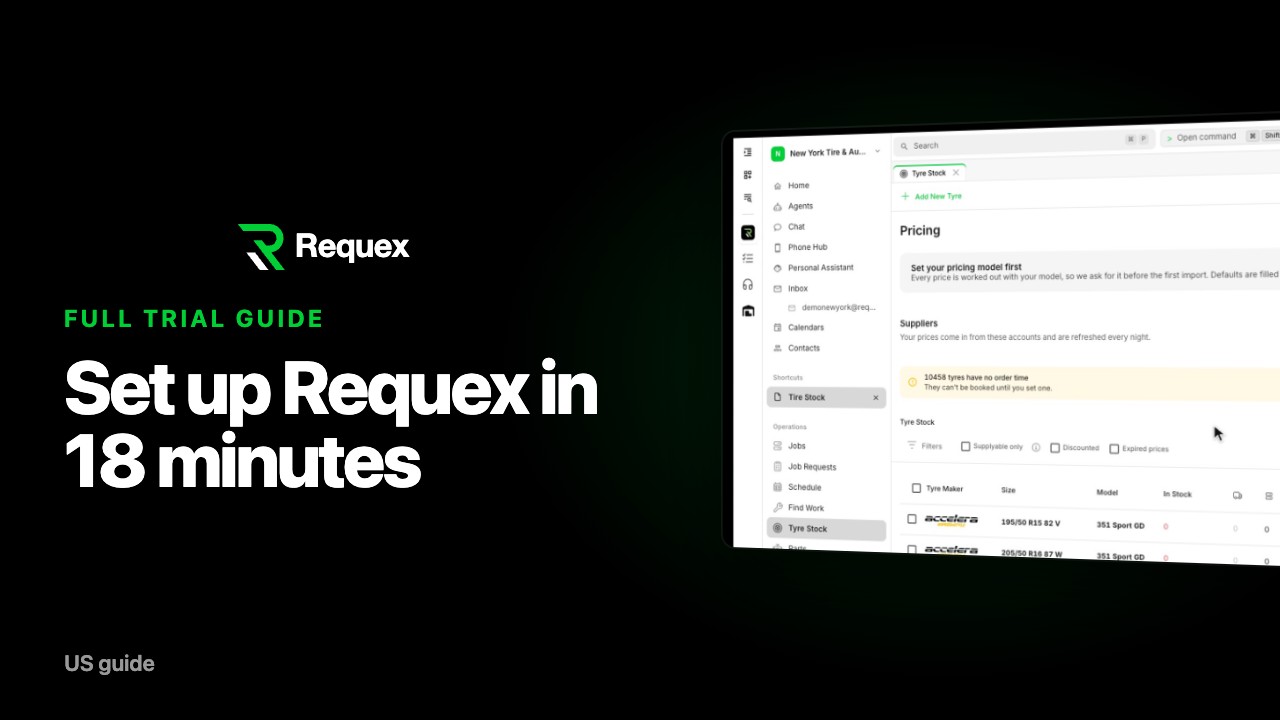 18 min
Full guide
Getting started with Requex: the complete trial setup guide
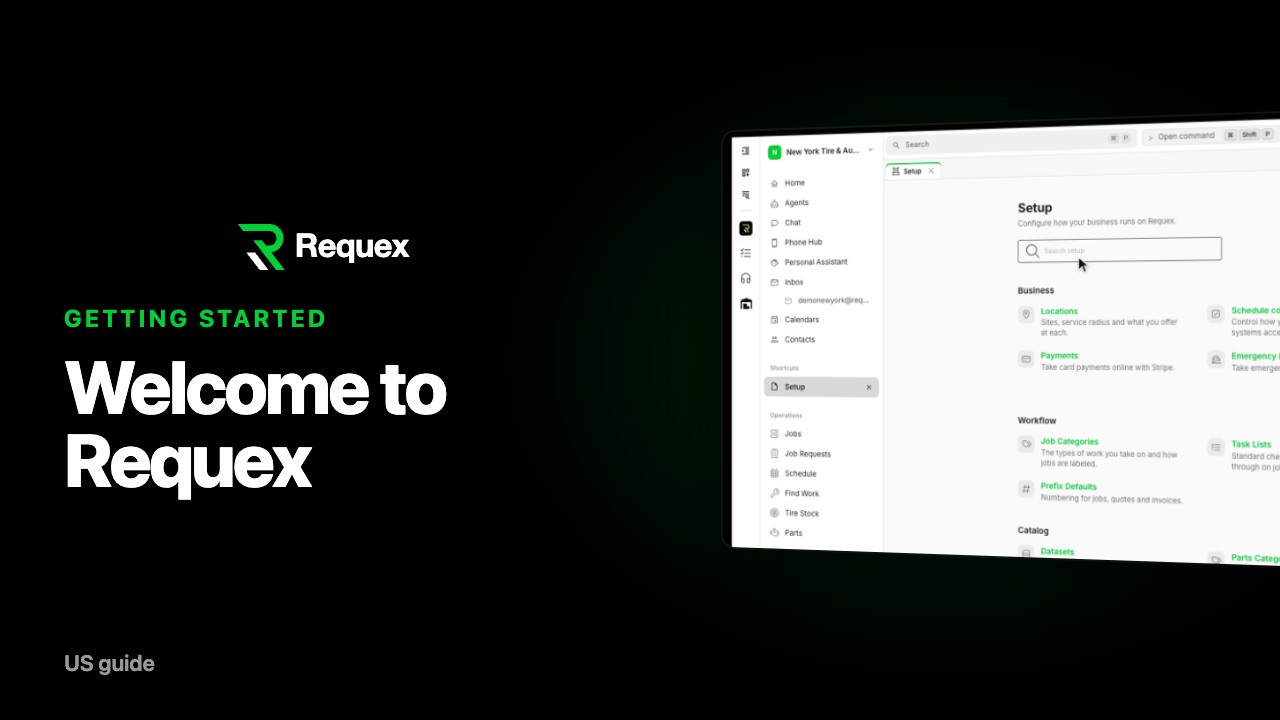 1 min
01
Getting started with your Requex trial
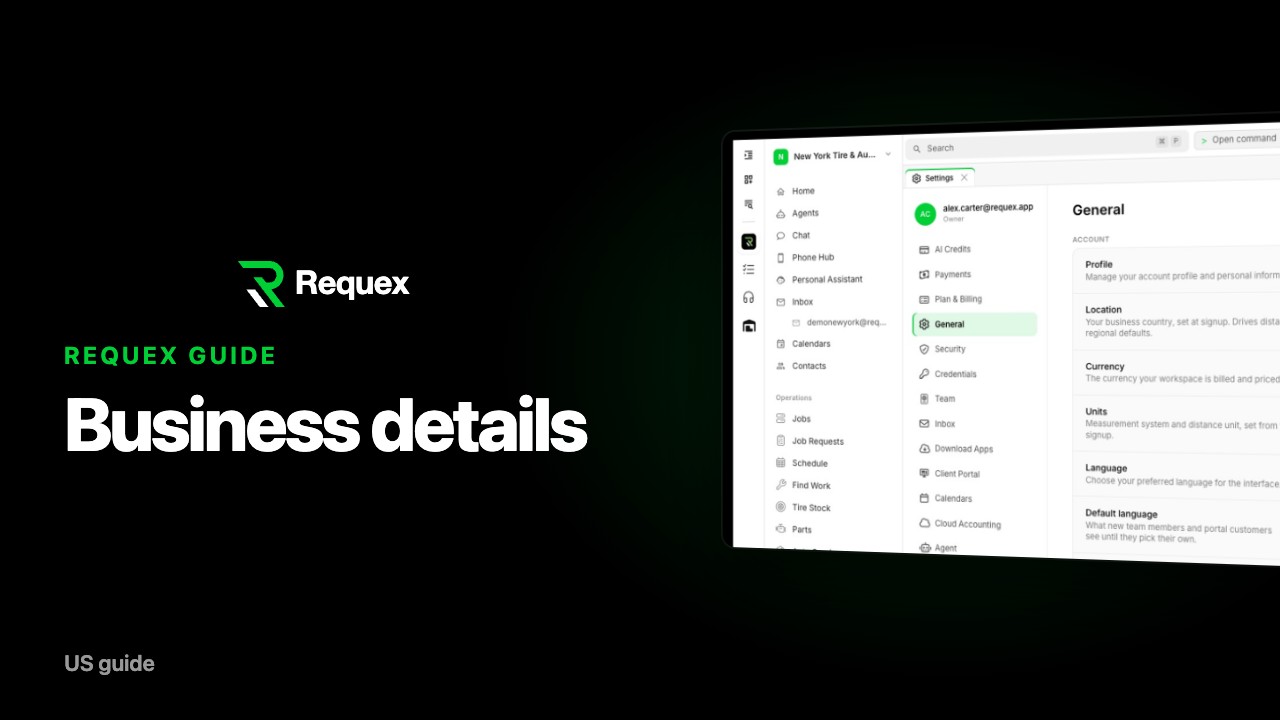 1 min
02
Add your shop details in Requex
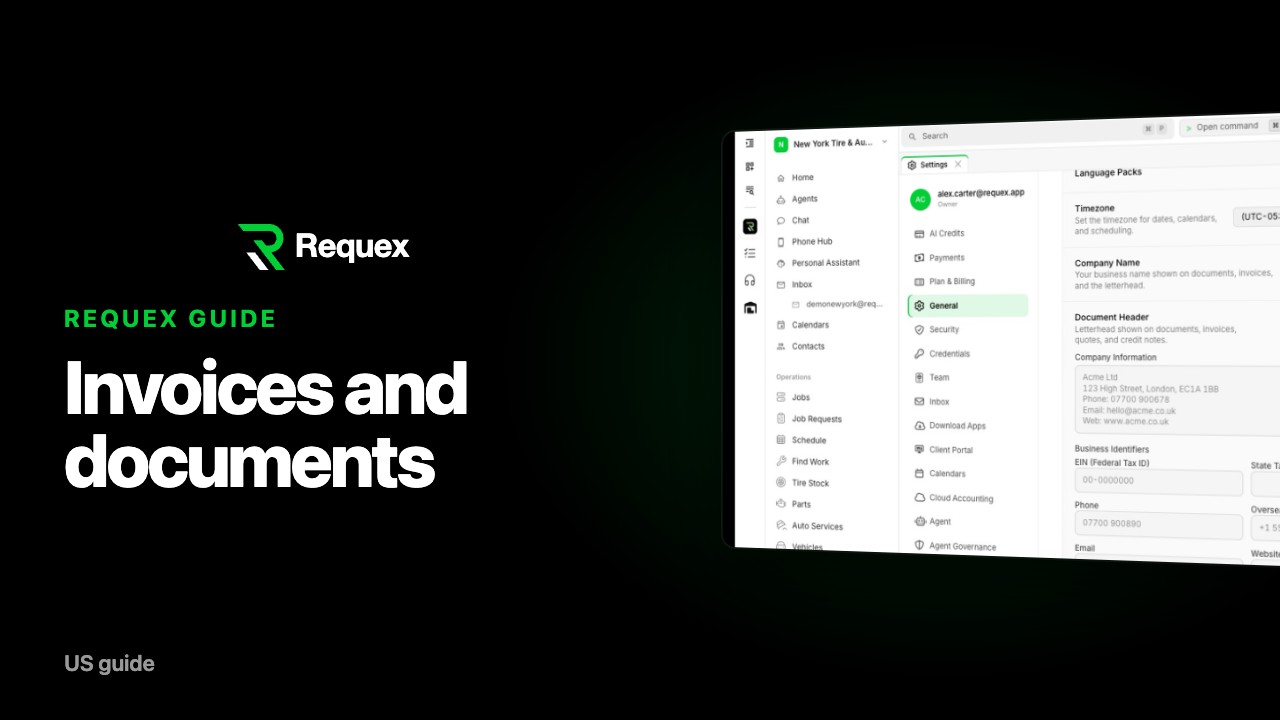 1 min
03
Set up invoices and document footers in Requex
 1 min
04
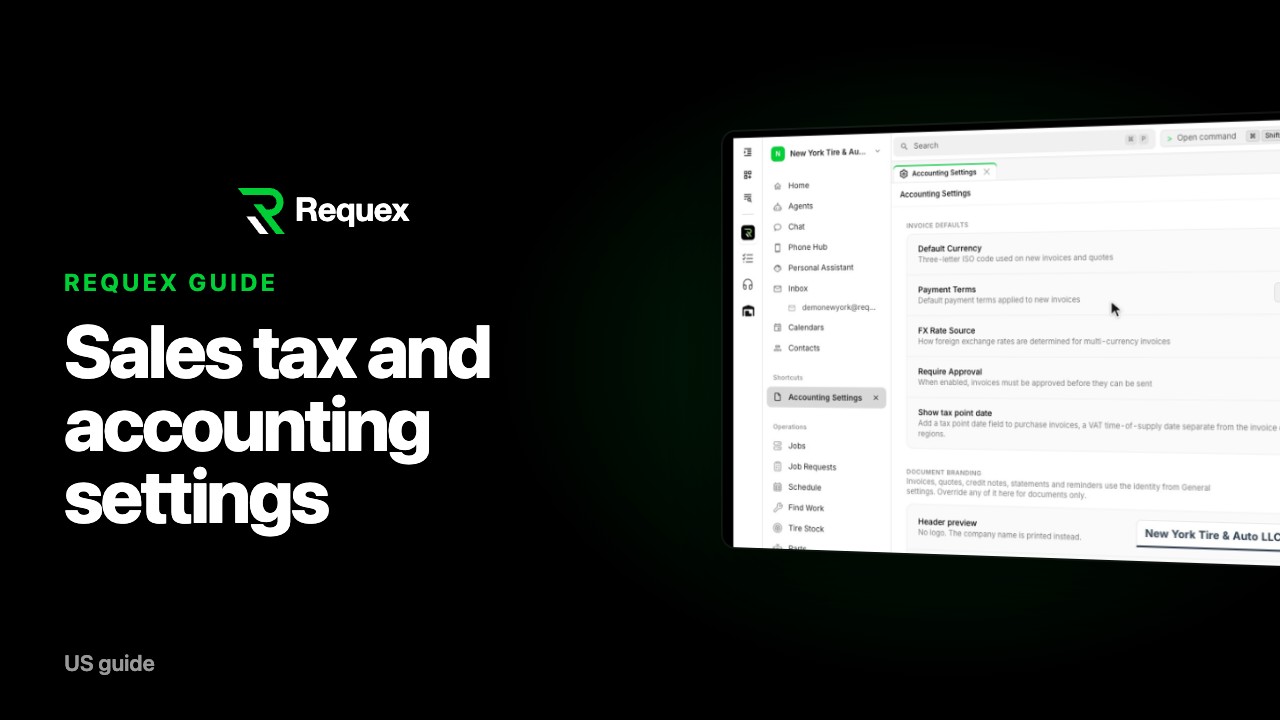
Set your sales tax and accounting settings in Requex
 1 min
05
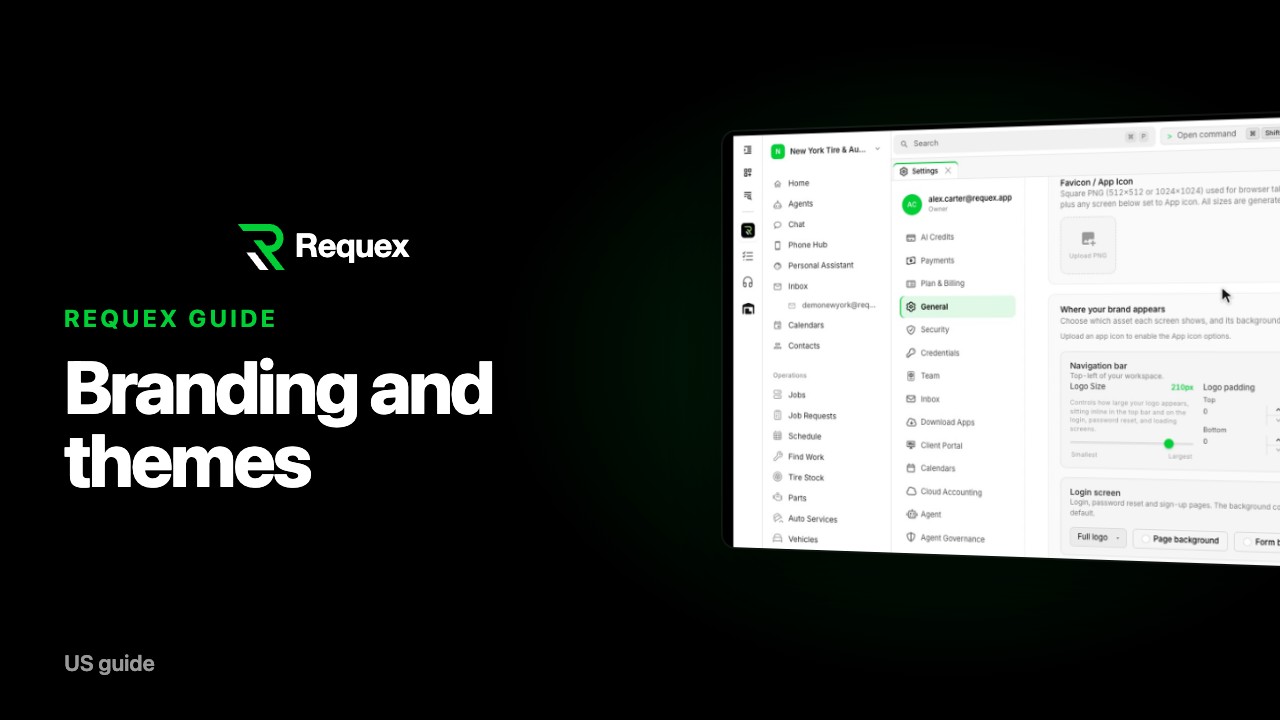
Brand your Requex workspace: logo, colors and themes
 1 min
06
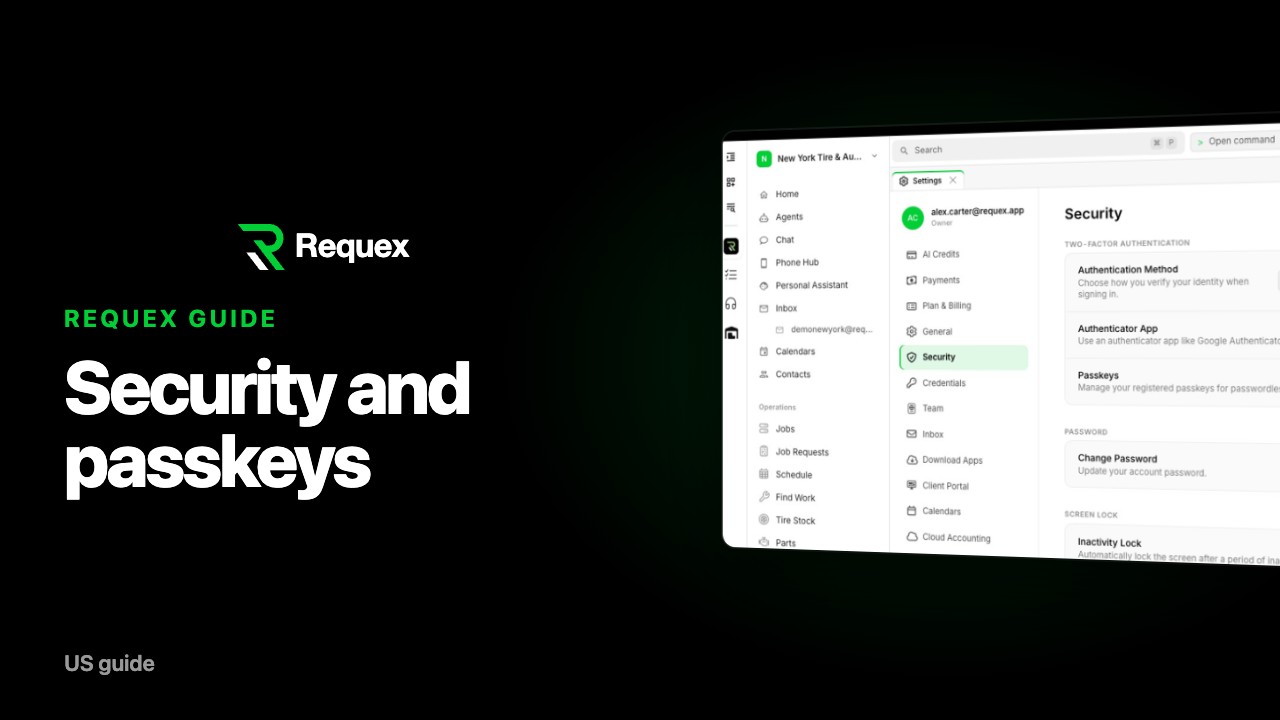
Turn on passkeys in Requex (recommended)
 1 min
07
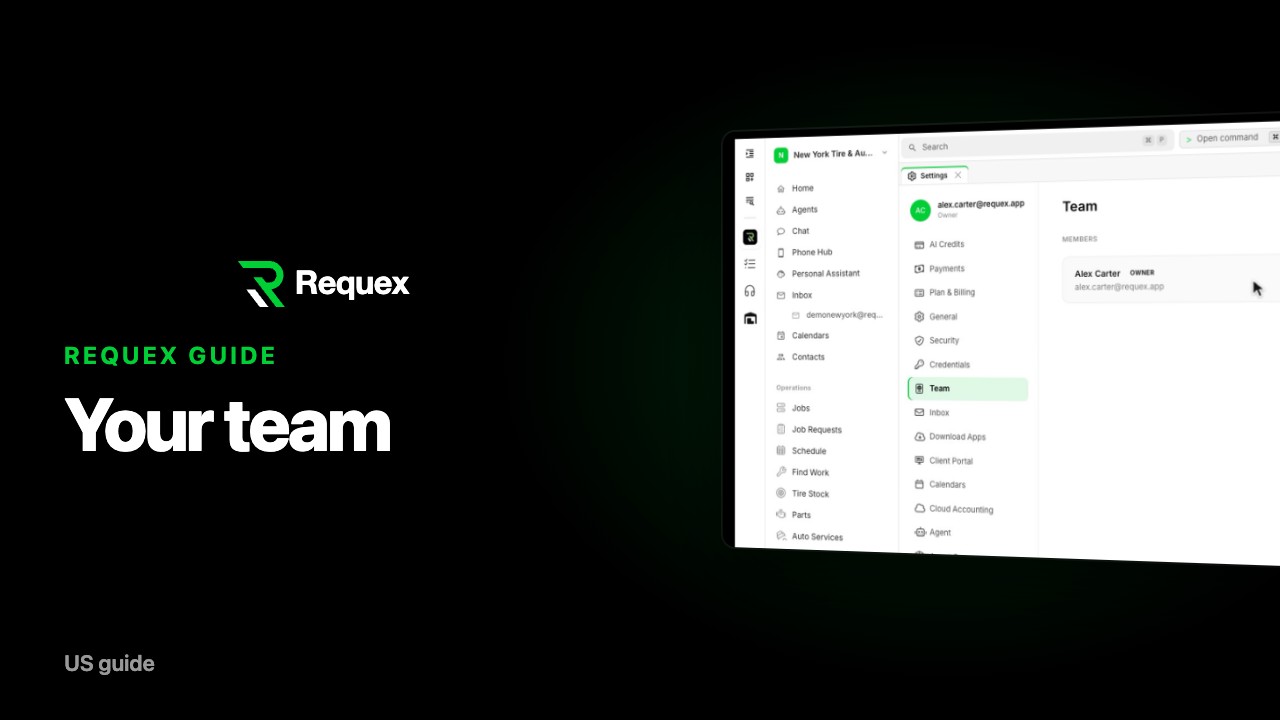
Invite your team to Requex
 1 min
08
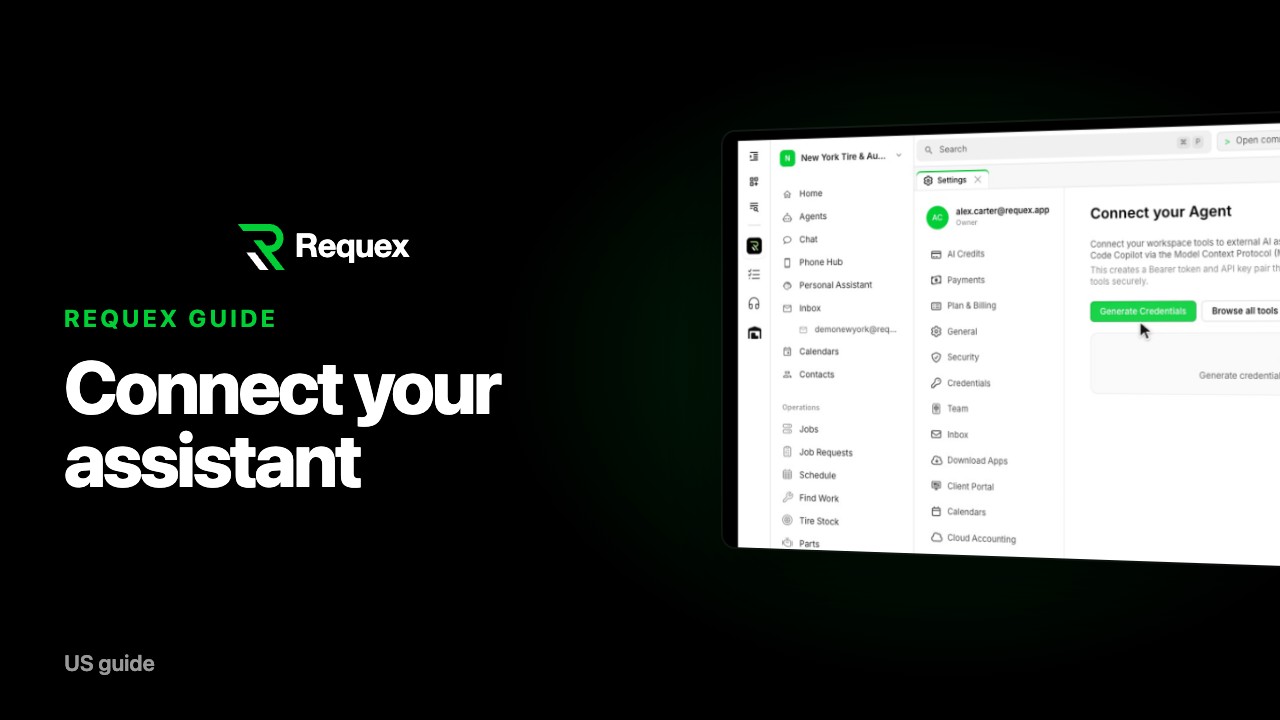
Connect Claude or ChatGPT to your Requex workspace
 1 min
09
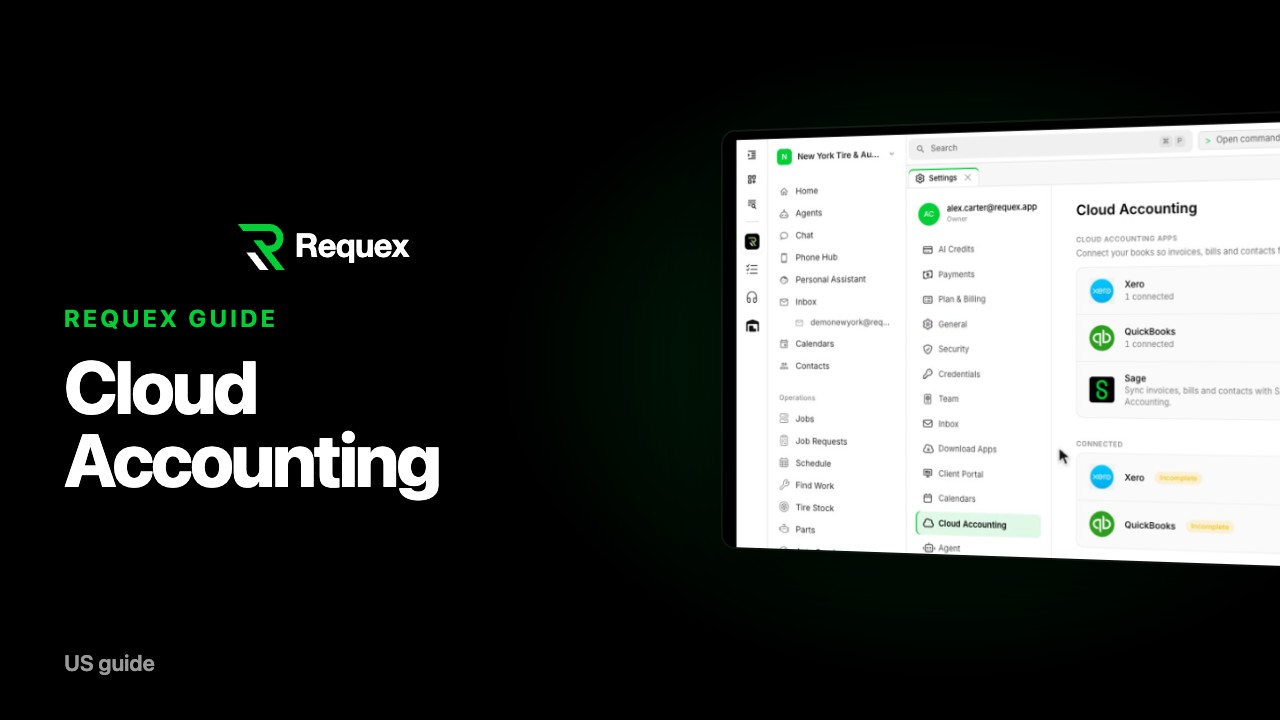
Connect Xero, QuickBooks, or Sage to Requex
 1 min
10
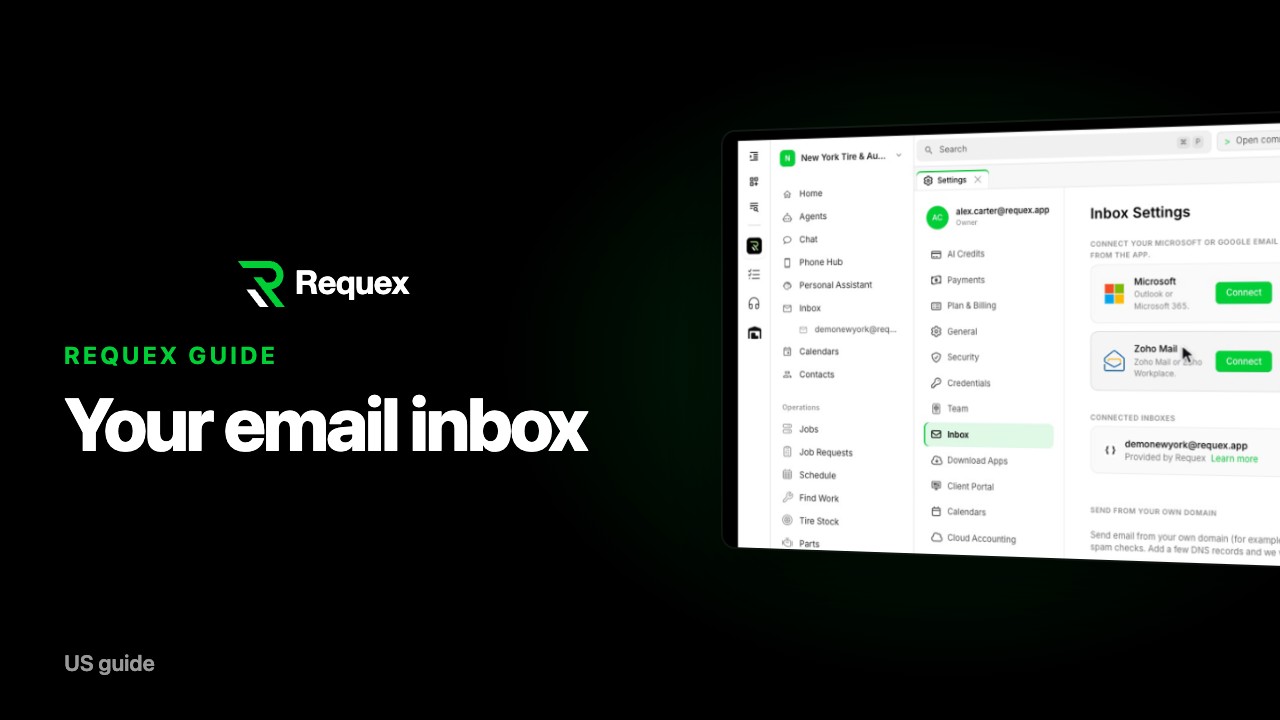
Connect your email inbox to Requex
 1 min
11
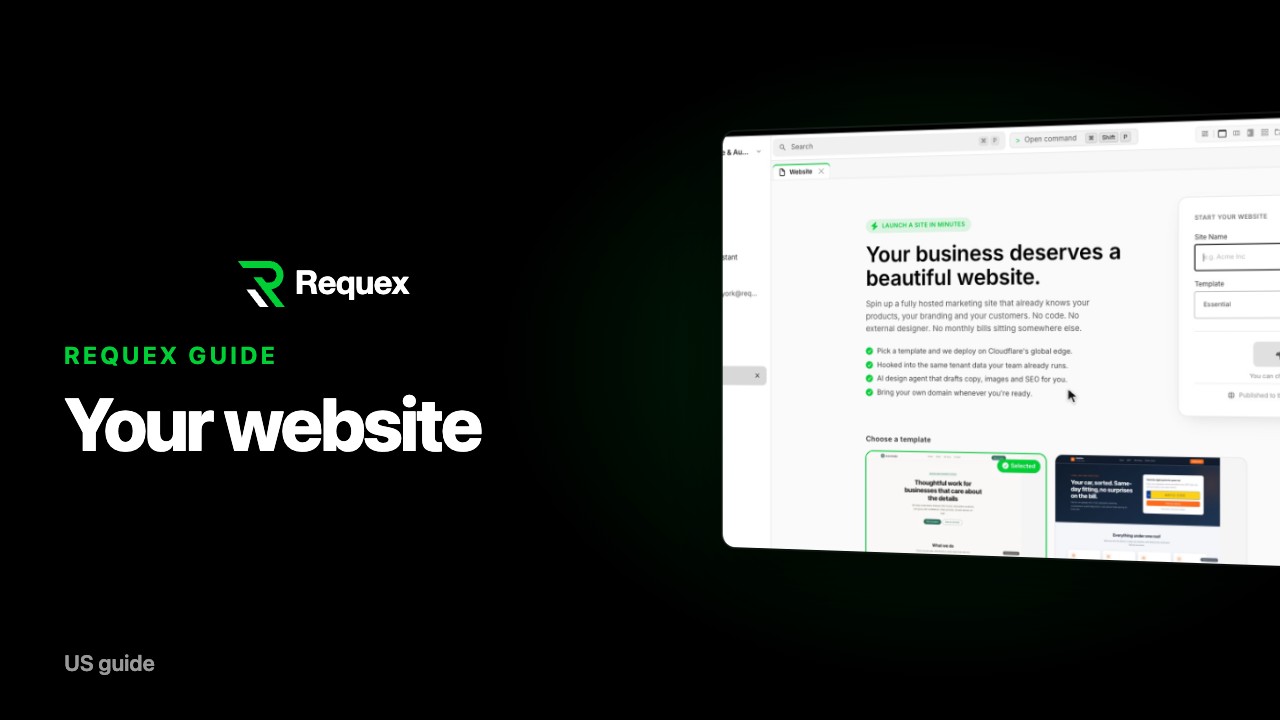
Build your auto shop website with Requex
 1 min
12
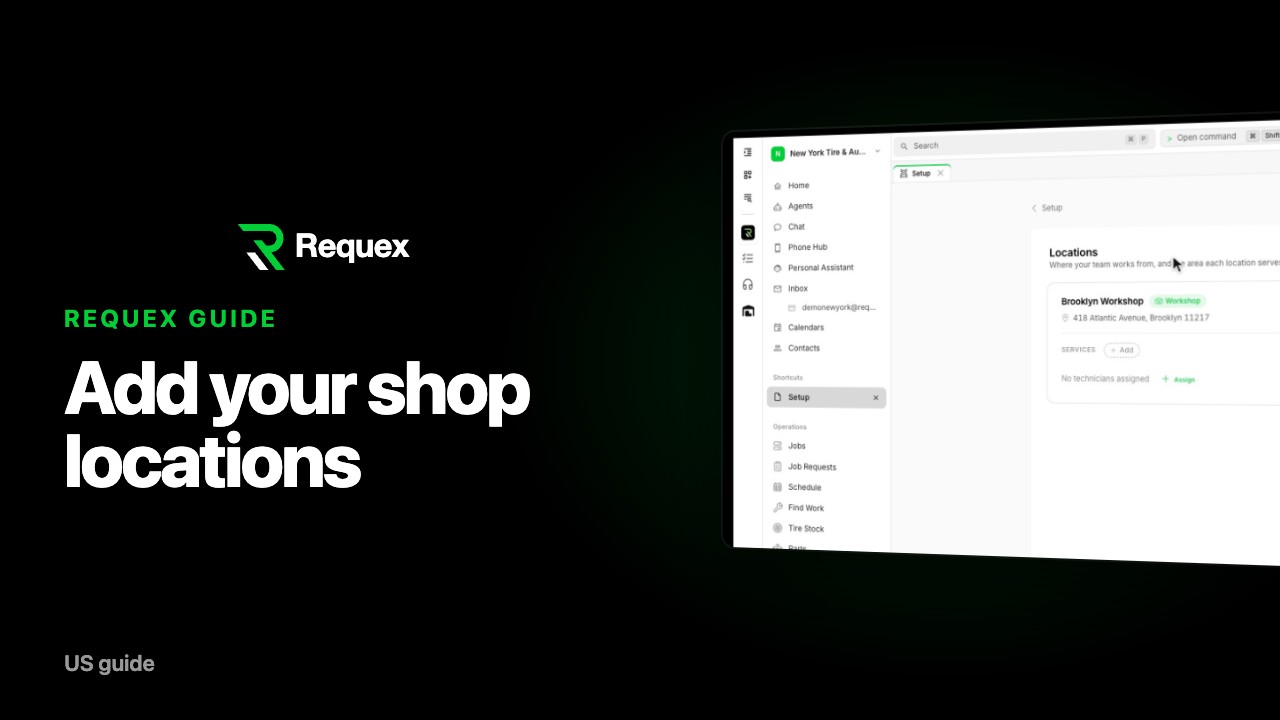
Add your shop and mobile locations in Requex
 1 min
13
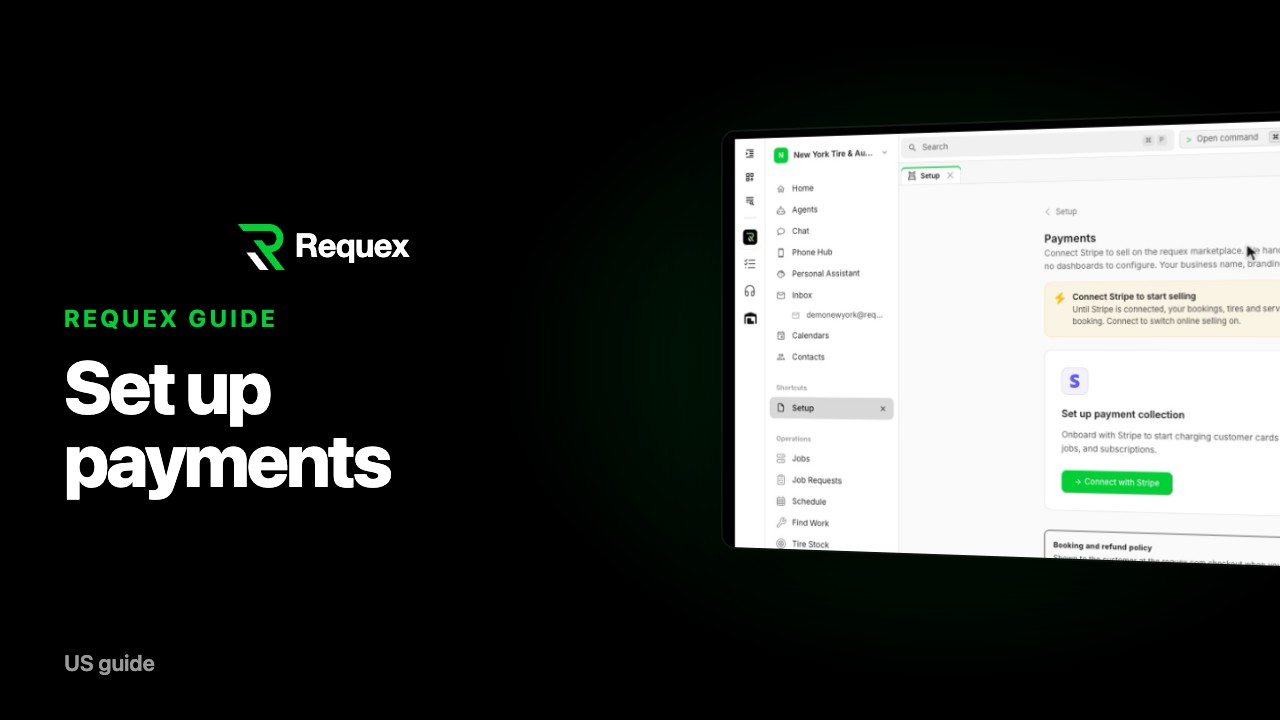
Set up online payments in Requex
 1 min
14
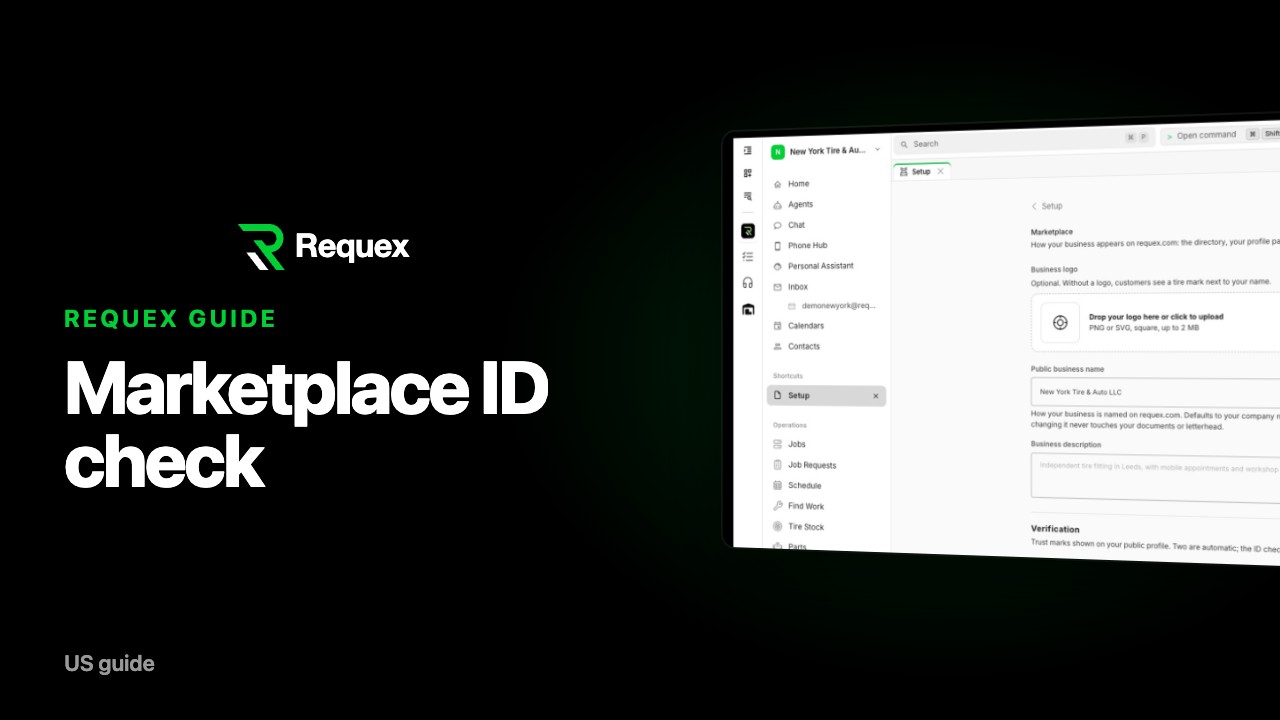
Complete the Requex marketplace ID check
 1 min
15
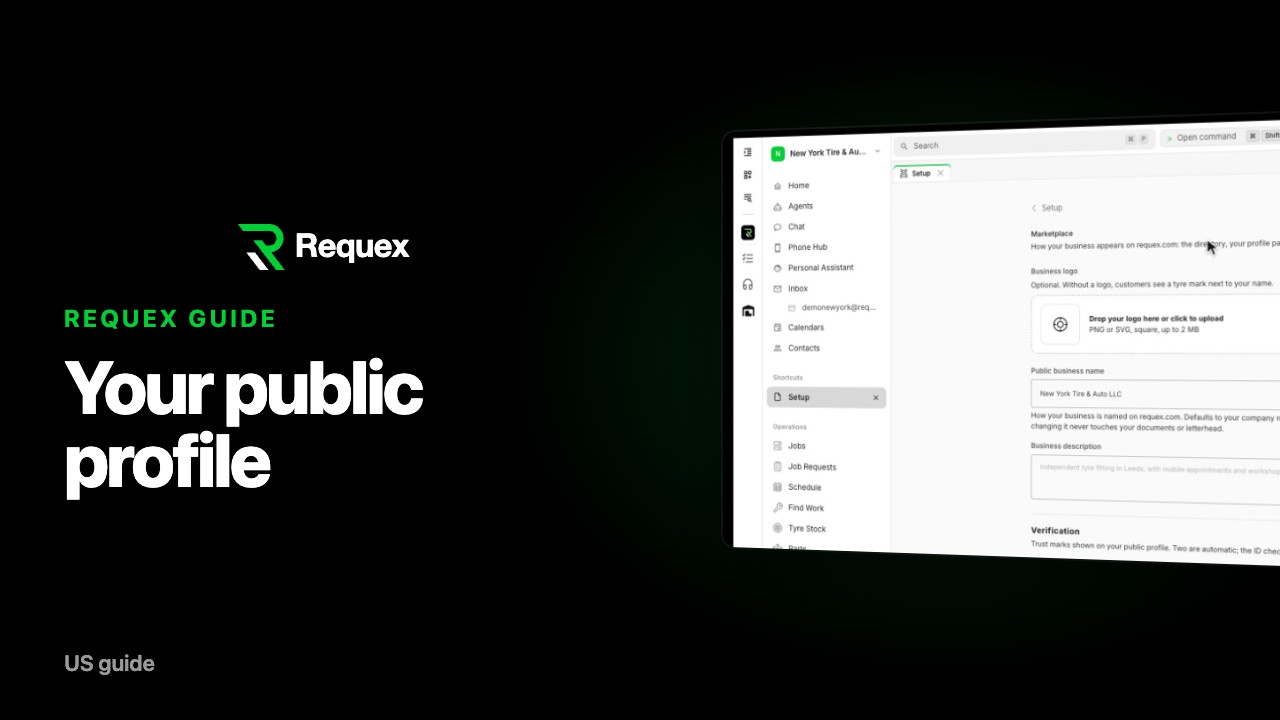
Set up your public profile on requex.com
 1 min
16
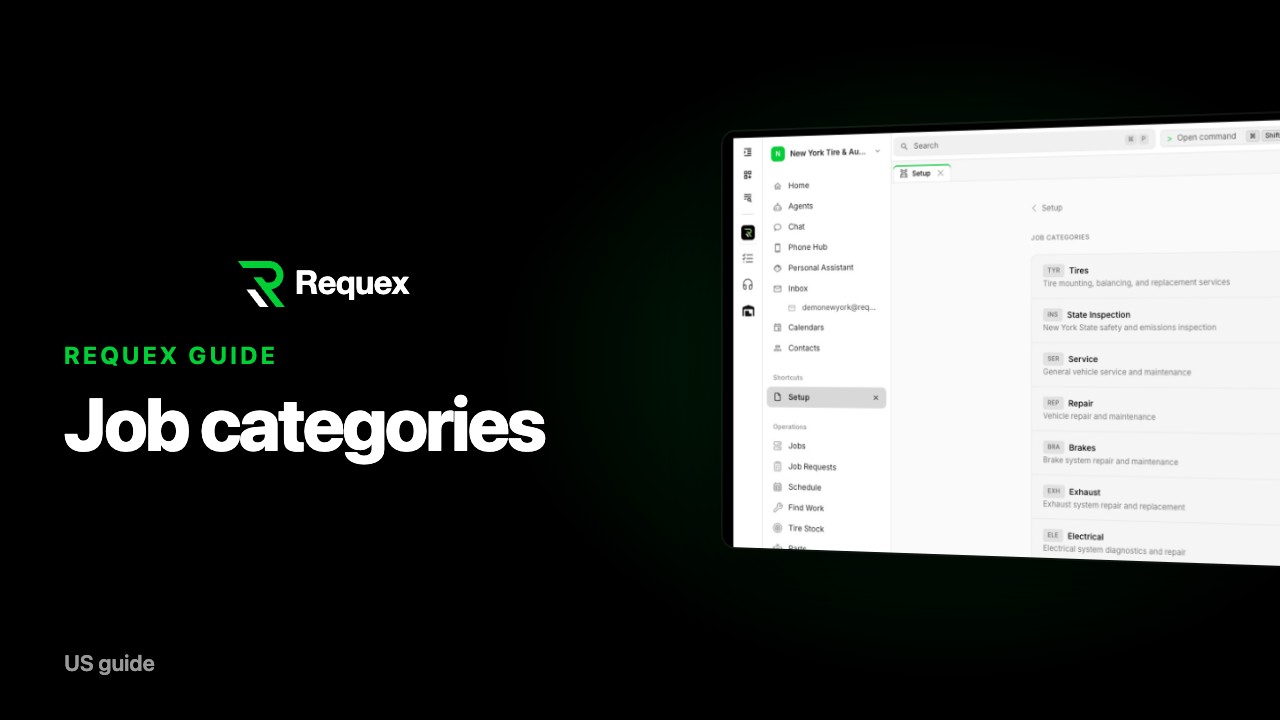
Choose your job categories in Requex
 1 min
17
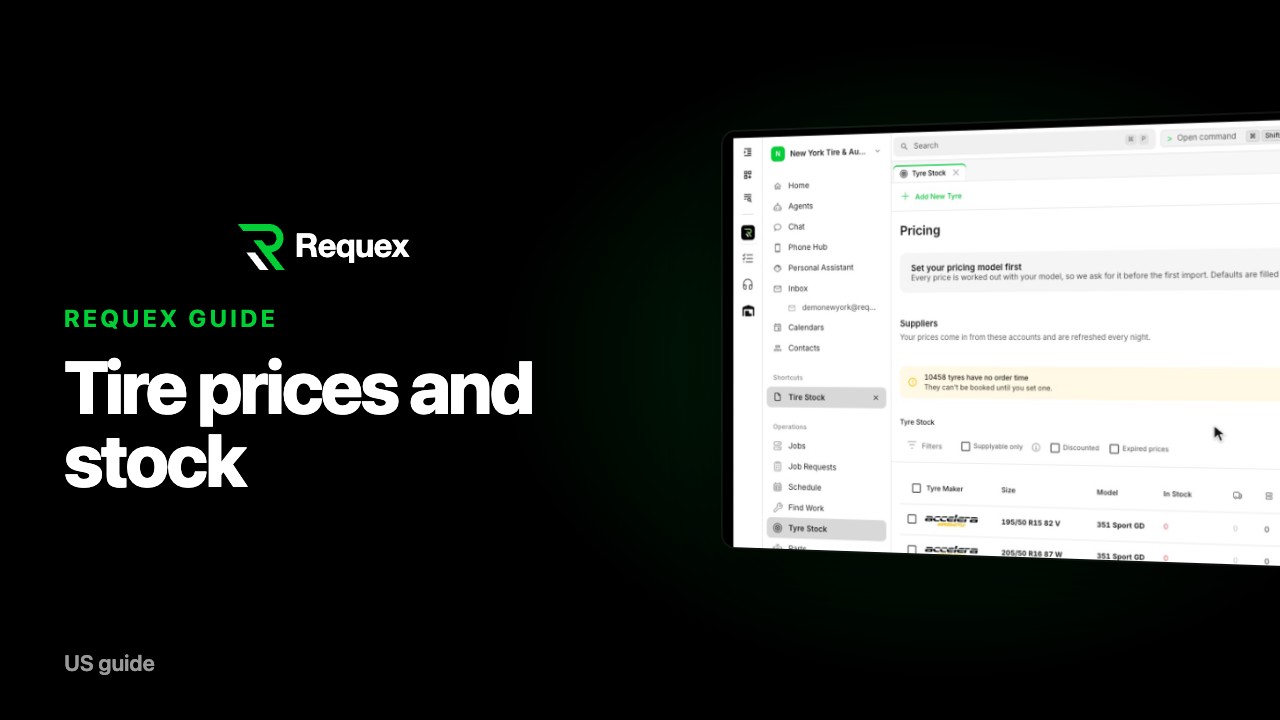
Add tire prices and import from suppliers in Requex
 1 min
18
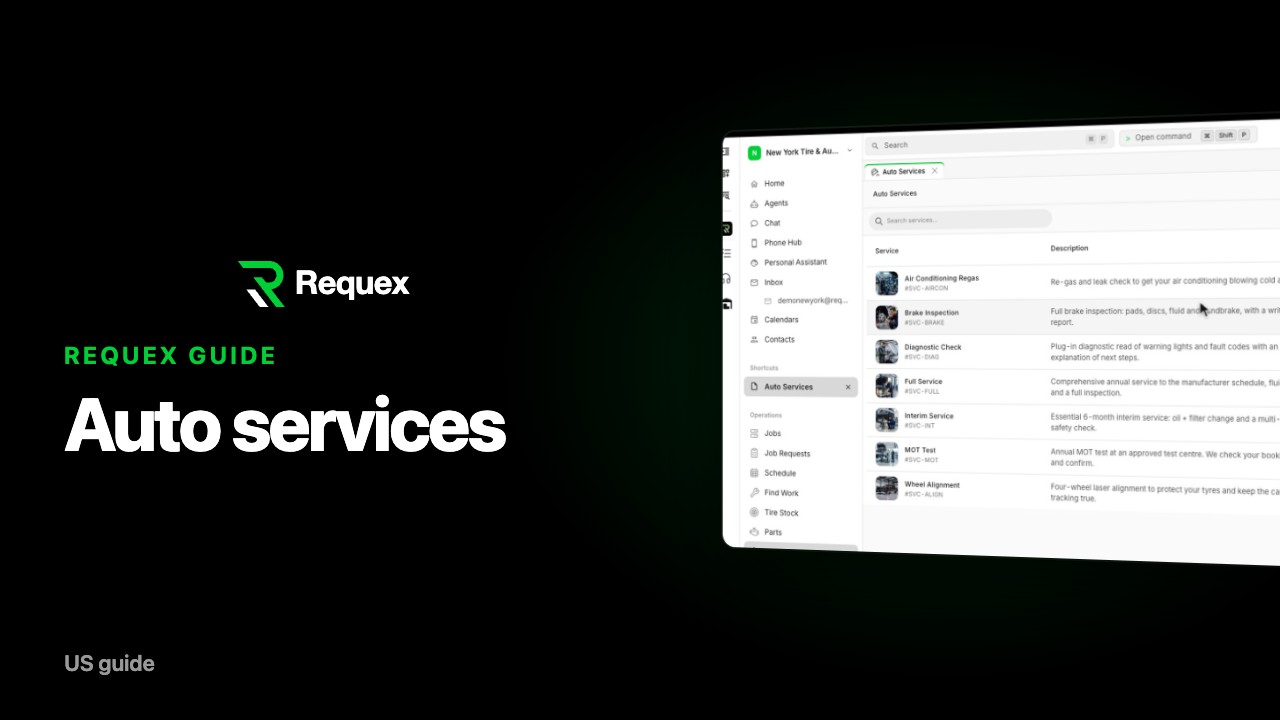
Add auto services and prices in Requex
 1 min
19
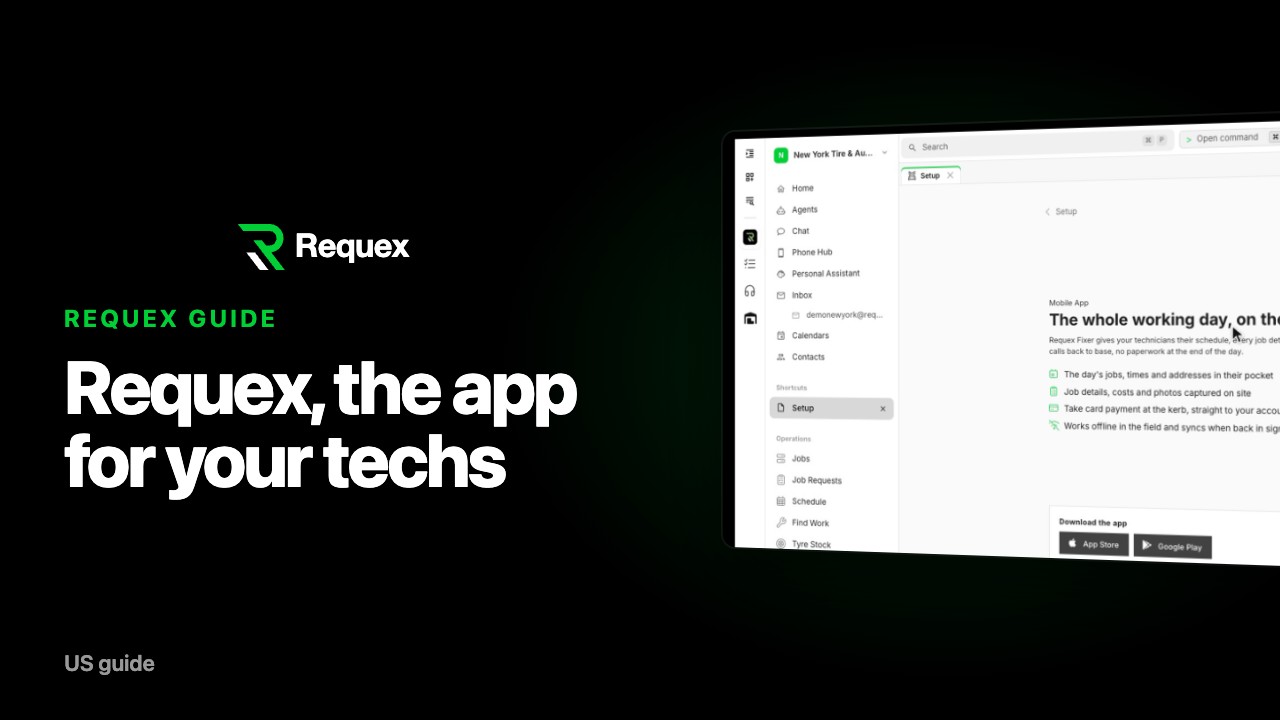
Fixer: the app for your mobile tire techs
 1 min
20
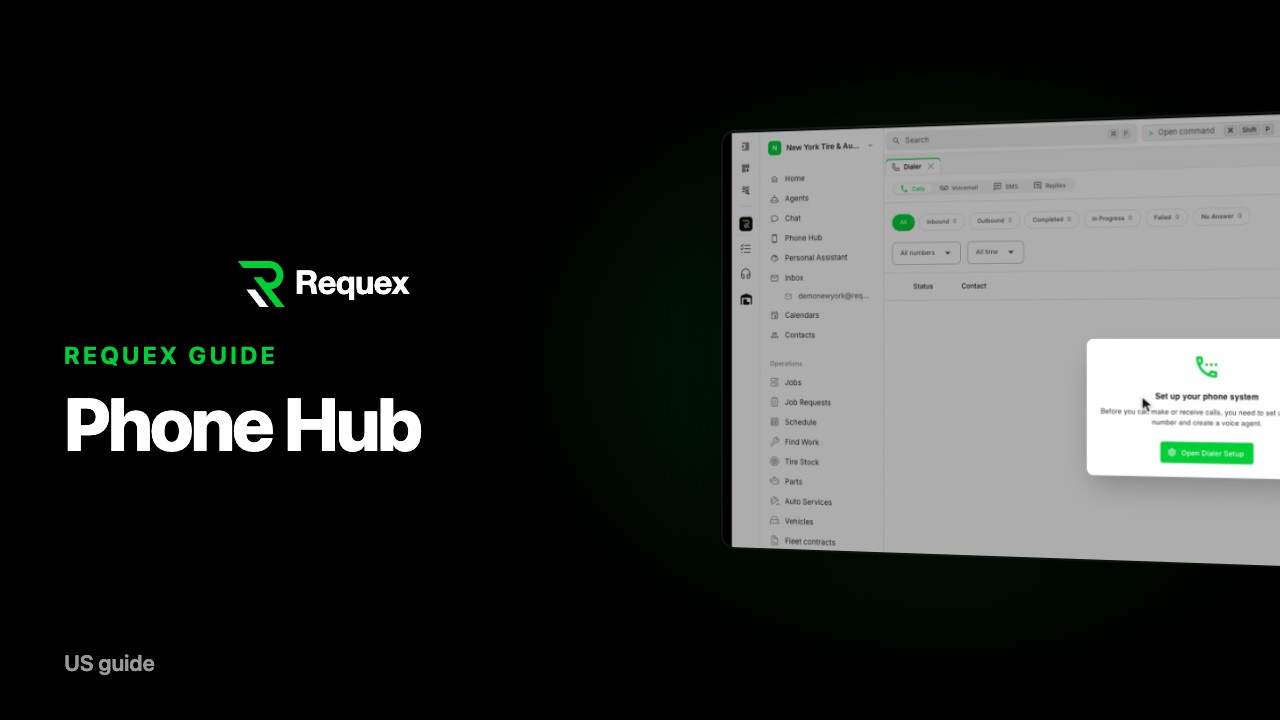
Set up Phone Hub: texts and AI calls for your shop
 1 min
21
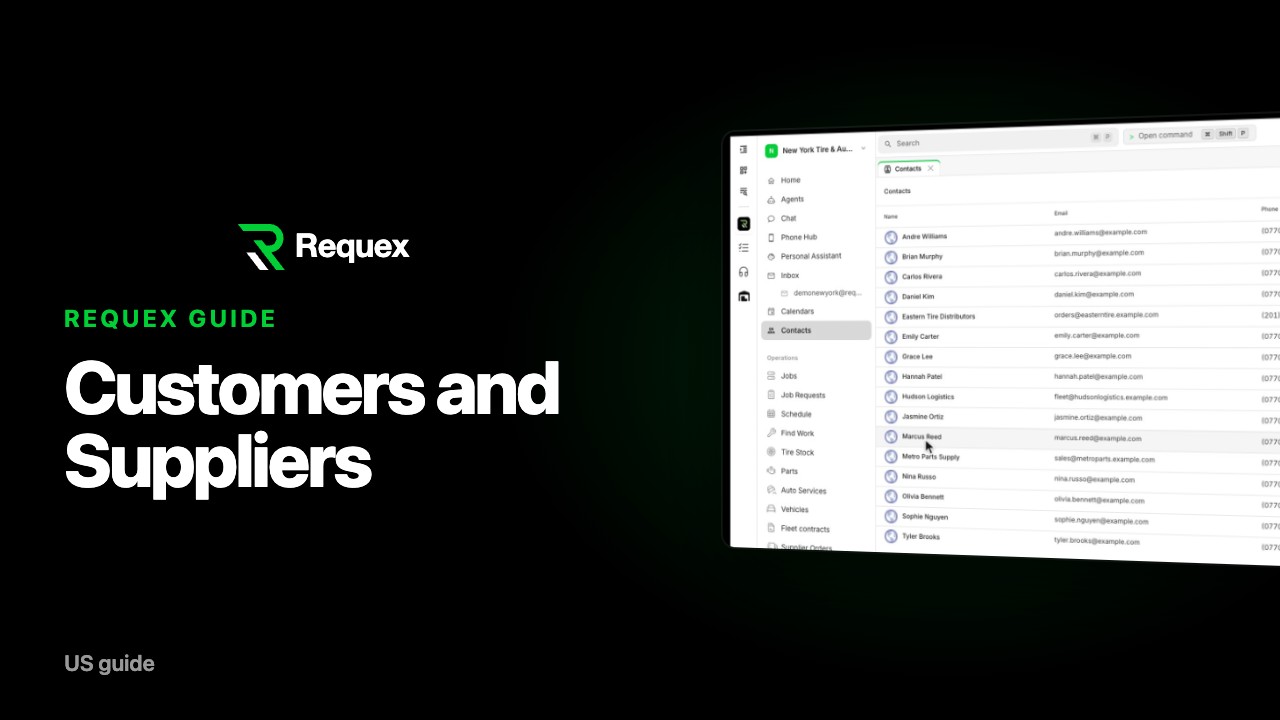
Manage customers and suppliers in Requex
 1 min
22
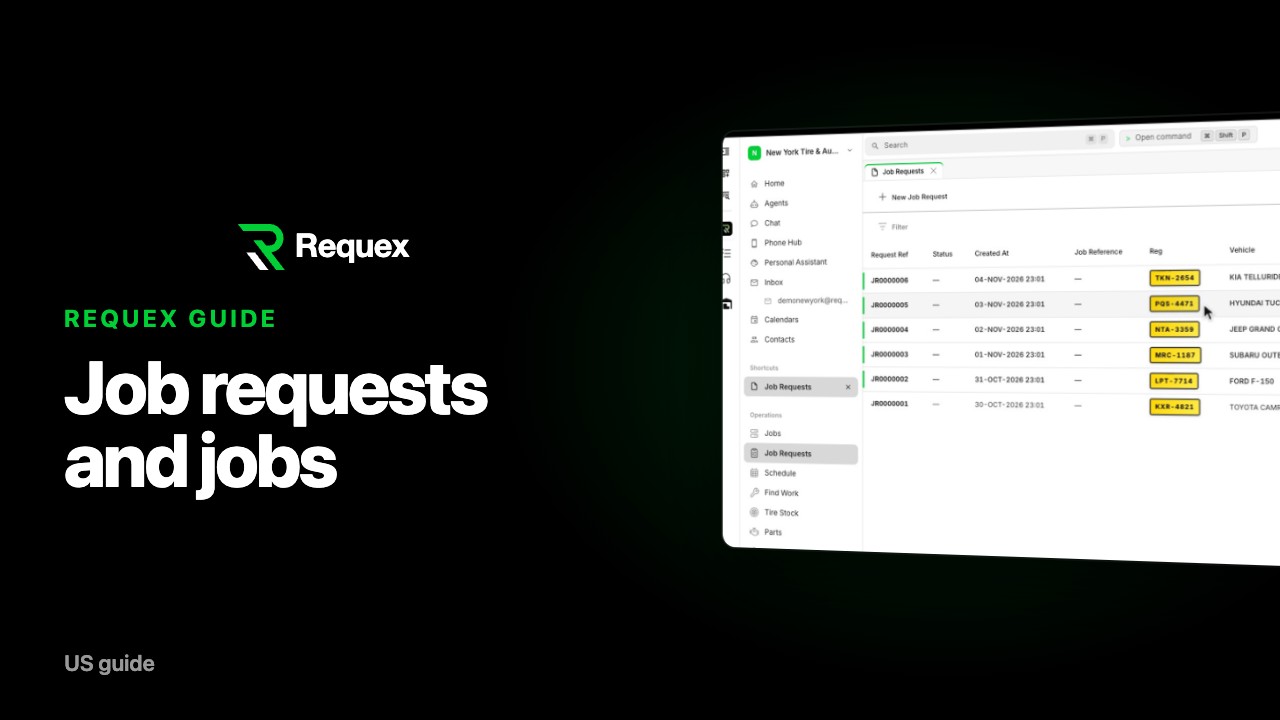
Job requests vs jobs in Requex: estimates and bookings
 1 min
23
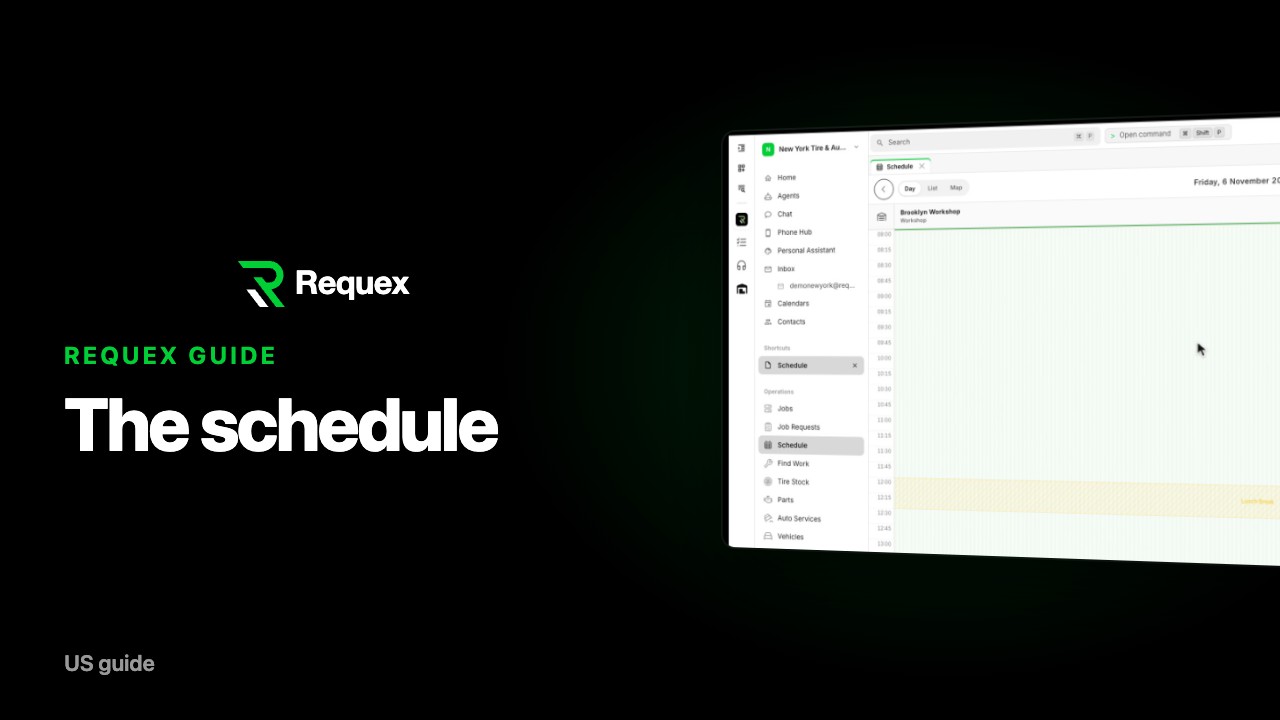
Use the Requex schedule: day and list views
 1 min
24
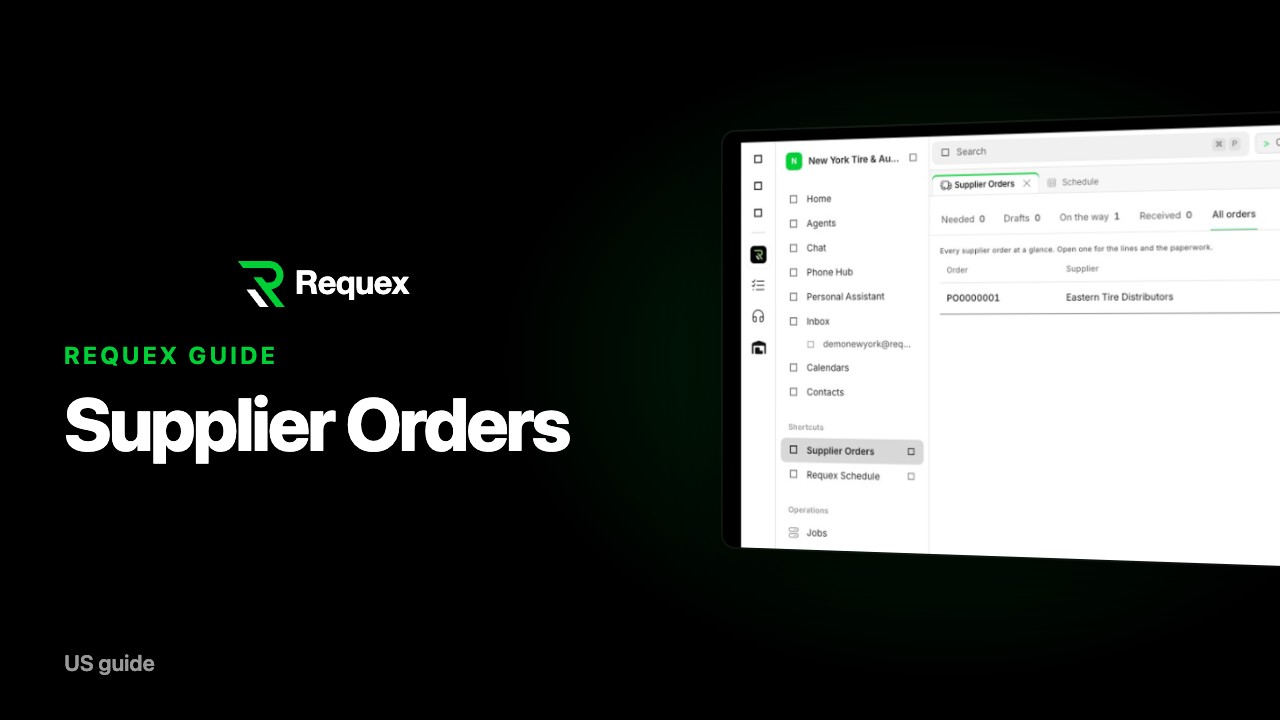
Order tires and parts from suppliers in Requex
 1 min
25
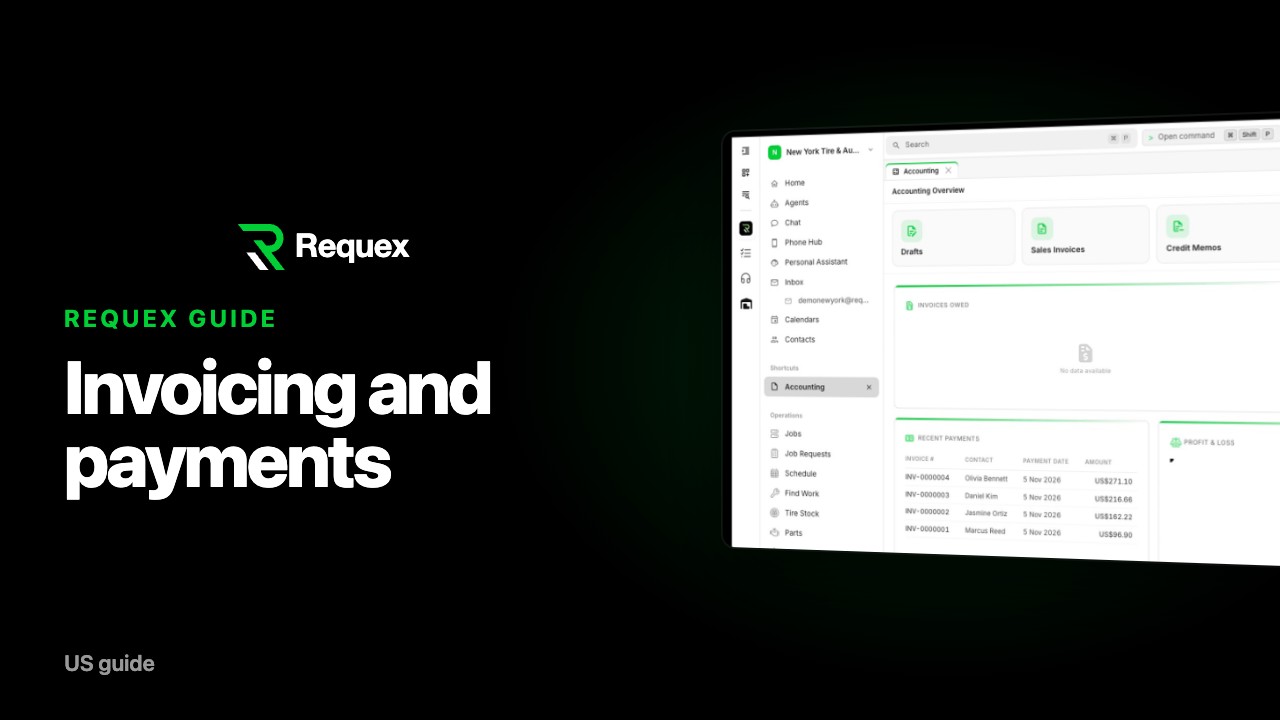
Invoice customers and get paid with Requex
 1 min
26
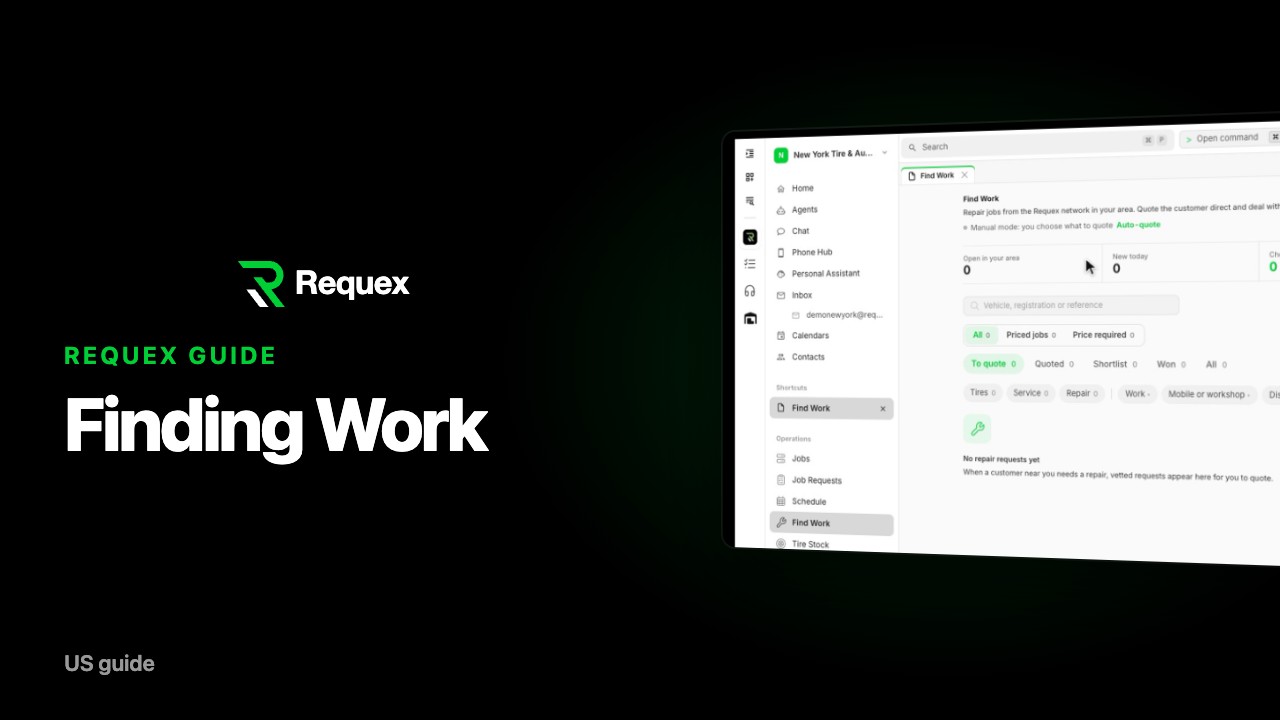
Find new work on the Requex network
 1 min
27
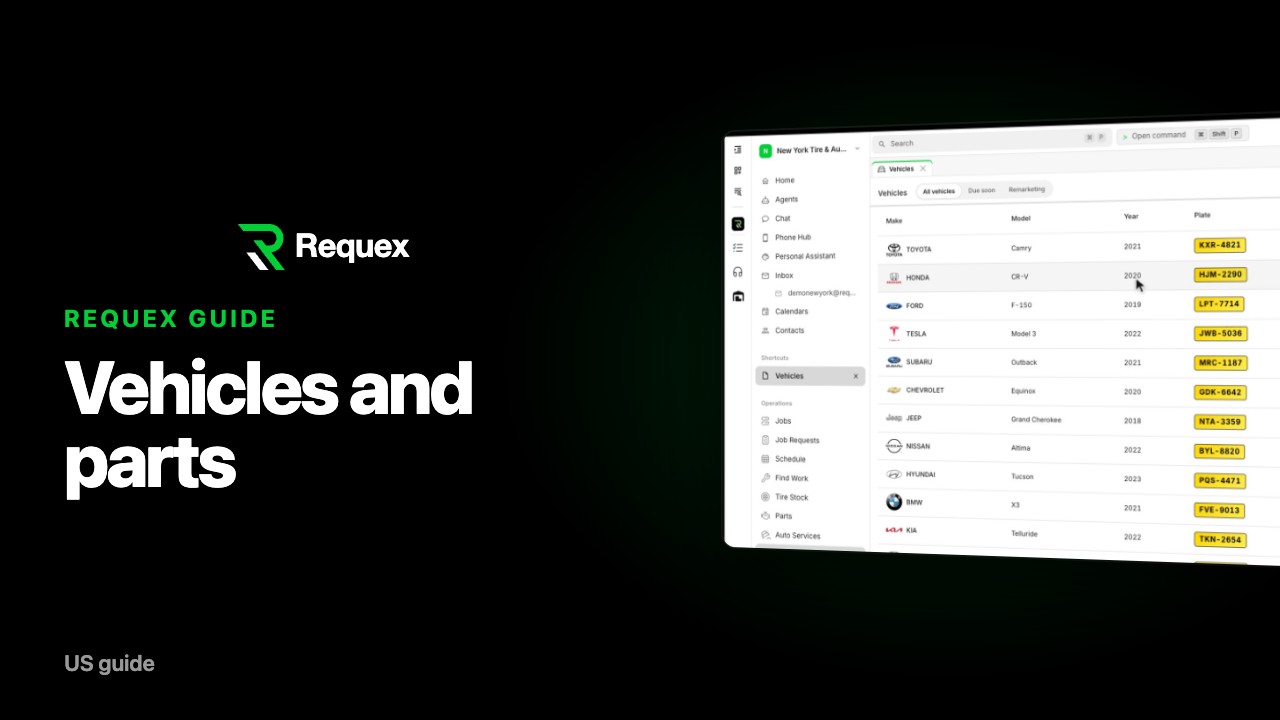
Vehicle records, reminders, and parts in Requex
 1 min
28
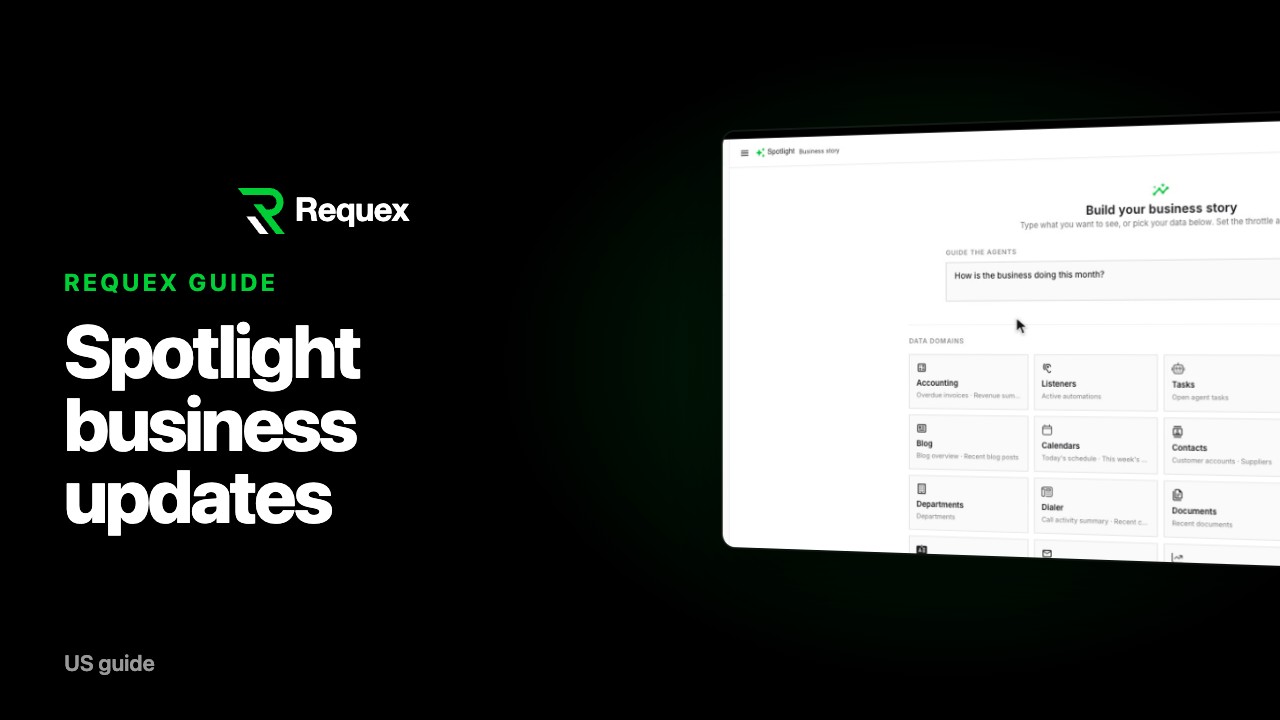
Spotlight: AI business stories in Requex
 1 min
29
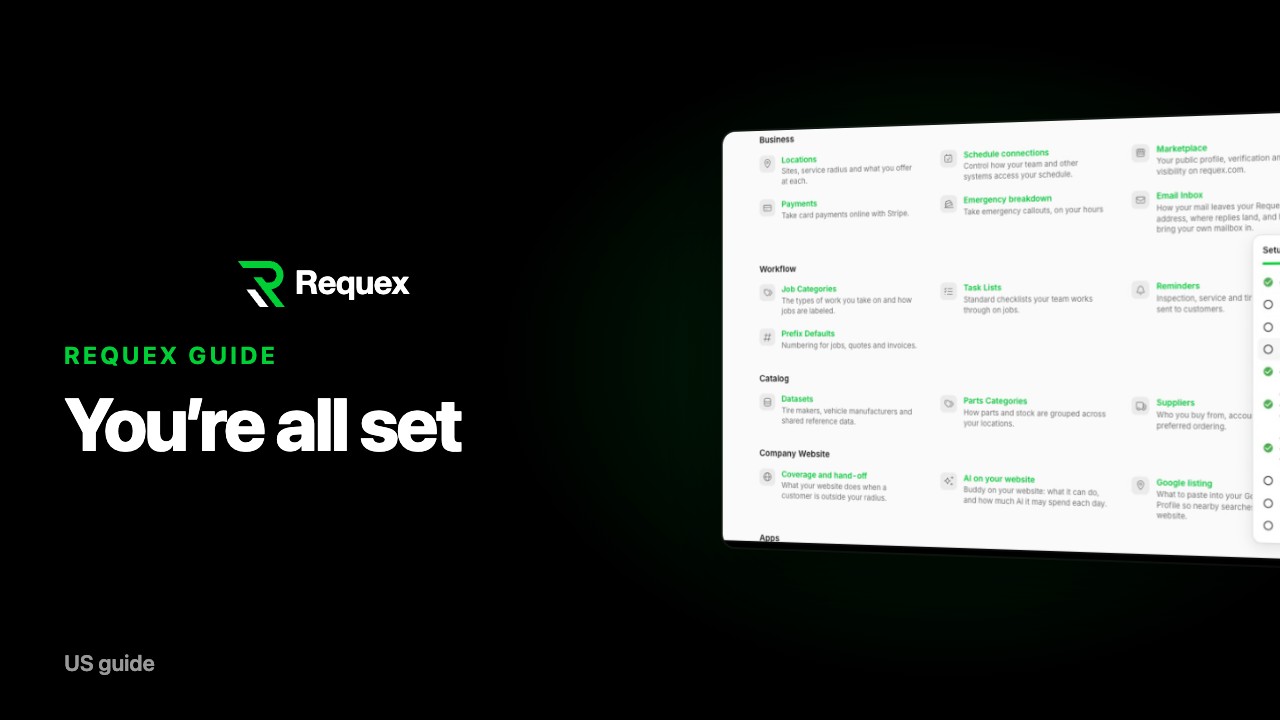
You're ready: finishing your Requex setup
See every part of Requex, step by step.
Watch the full trial setup guide, or pick the part you need. Each video is a few minutes long and shows the real workspace.
18 min
Full guide
Getting started with Requex: the complete trial setup guide
1 min
01
Getting started with your Requex trial
1 min
02
Add your shop details in Requex
1 min
03
Set up invoices and document footers in Requex
1 min
04
Set your sales tax and accounting settings in Requex
1 min
05
Brand your Requex workspace: logo, colors and themes
1 min
06
Turn on passkeys in Requex (recommended)
1 min
07
Invite your team to Requex
1 min
08
Connect Claude or ChatGPT to your Requex workspace
1 min
09
Connect Xero, QuickBooks, or Sage to Requex
1 min
10
Connect your email inbox to Requex
1 min
11
Build your auto shop website with Requex
1 min
12
Add your shop and mobile locations in Requex
1 min
13
Set up online payments in Requex
1 min
14
Complete the Requex marketplace ID check
1 min
15
Set up your public profile on requex.com
1 min
16
Choose your job categories in Requex
1 min
17
Add tire prices and import from suppliers in Requex
1 min
18
Add auto services and prices in Requex
1 min
19
Fixer: the app for your mobile tire techs
1 min
20
Set up Phone Hub: texts and AI calls for your shop
1 min
21
Manage customers and suppliers in Requex
1 min
22
Job requests vs jobs in Requex: estimates and bookings
1 min
23
Use the Requex schedule: day and list views
1 min
24
Order tires and parts from suppliers in Requex
1 min
25
Invoice customers and get paid with Requex
1 min
26
Find new work on the Requex network
1 min
27
Vehicle records, reminders, and parts in Requex
1 min
28
Spotlight: AI business stories in Requex
1 min
29
You're ready: finishing your Requex setup